The XR designer’s essential toolkit in 2025: your starter guide
Figma, Miro, 3D engines: the tools worth knowing when you start designing for XR, and what each one actually brings.
- XR
- Tools
- Getting started
Hello to everyone curious about the world of XR! 👋
Today I am offering you a complete stack of tools for design, prototyping and implementation in XR design!
🎨 DESIGN & PROTOTYPING: your first steps
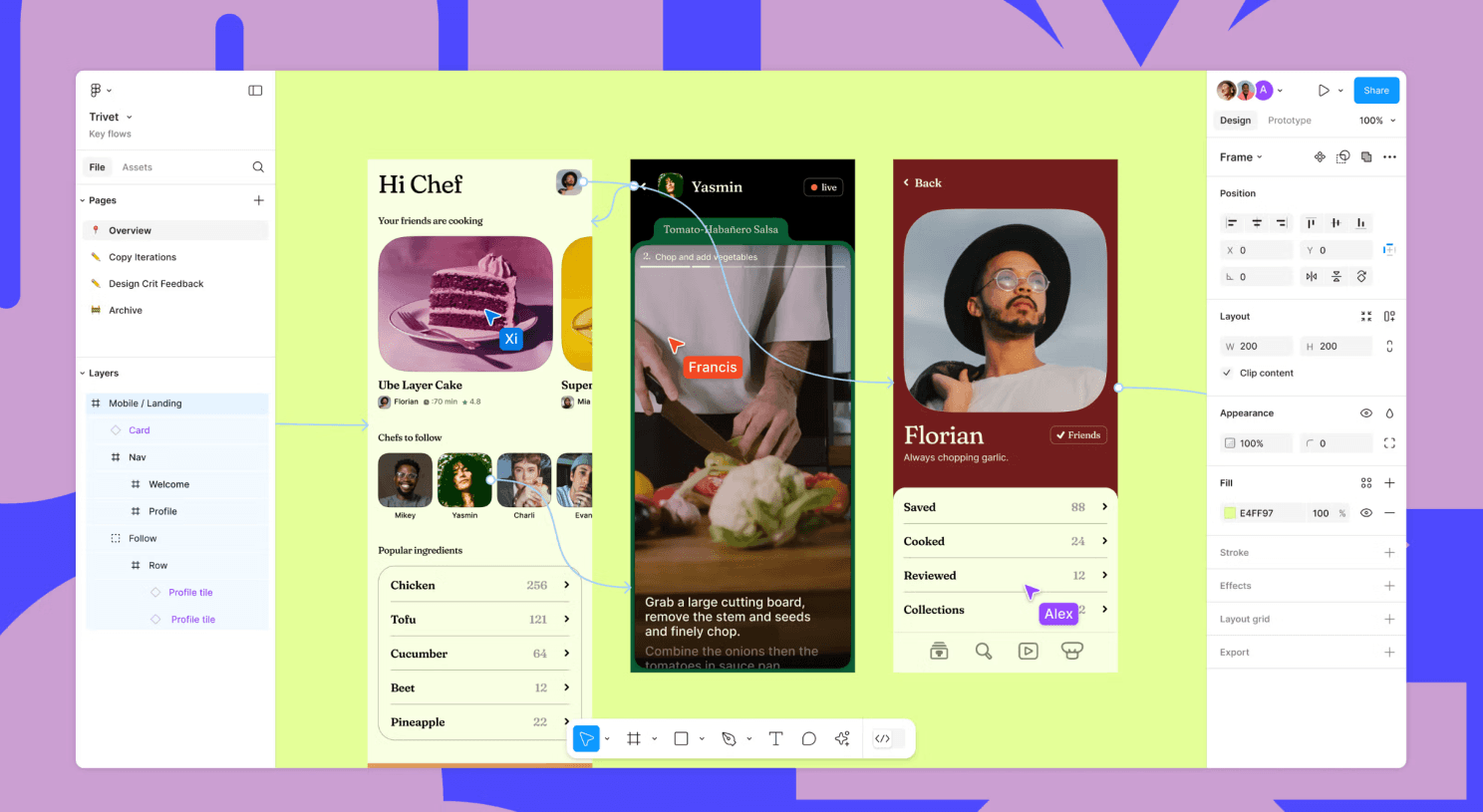
Figma - your number one ally (in XR too)
You already know Figma? Perfect! You can keep using it to design XR interfaces. Yes, really.
Why it works so well:
- You keep your habits as a 2D designer
- You share your mockups with your team exactly as before
- You export easily to Unity when you are ready
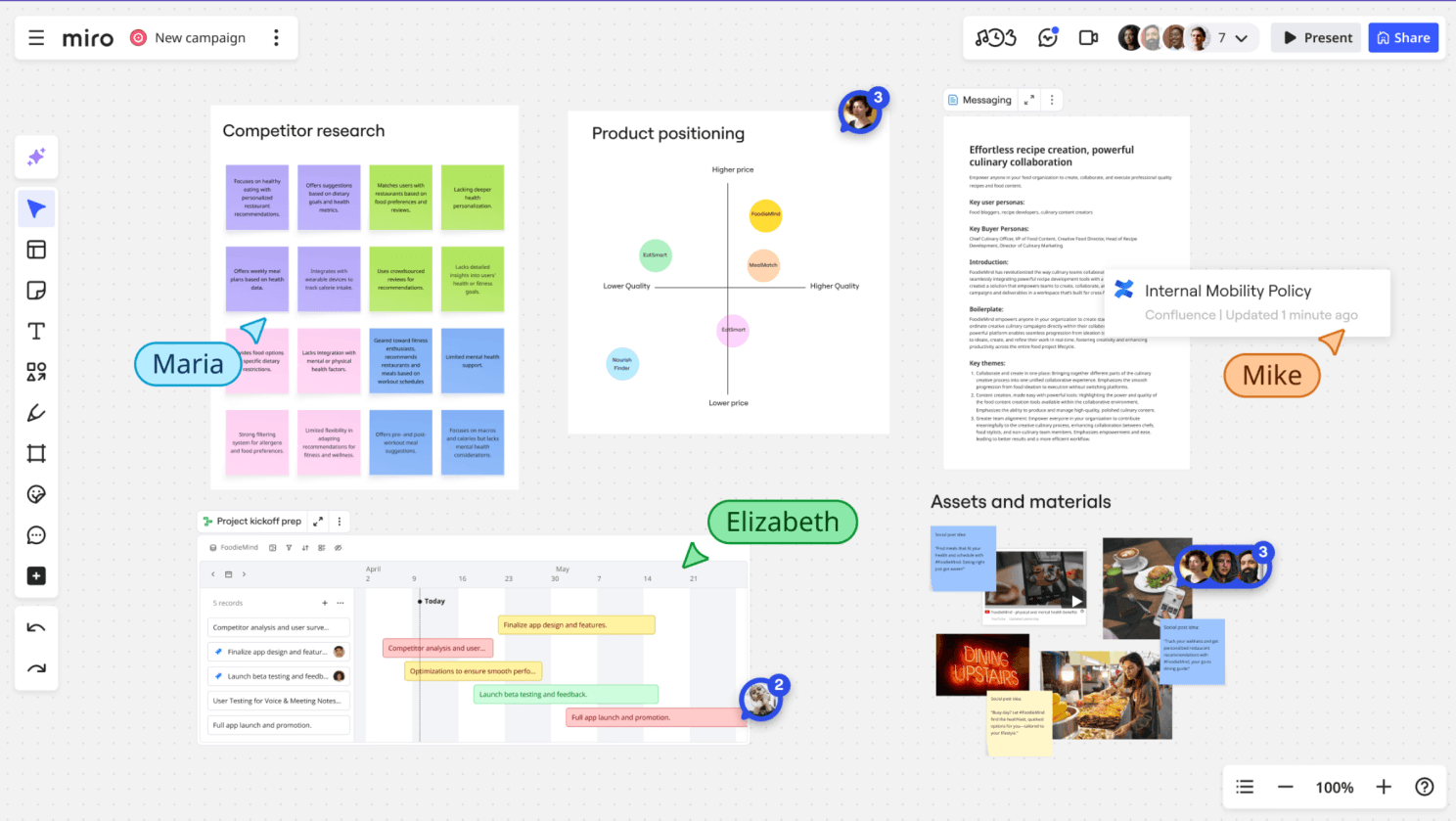
Miro - for thinking "big" (literally)
Picture a whiteboard… but endless. That is Miro. Perfect for organising your ideas before you start.
What you can do with it:
- Map out the user journey of your VR experience
- Build storyboards for your AR scenes
- Brainstorm together in real time
- Connect Miro with Figma, Notion, Slack and the rest
🎯 A practical case: want to build an AR app for previewing furniture? Use Miro to map every interaction: scanning the room, placing the item, rotating it, changing its colour…
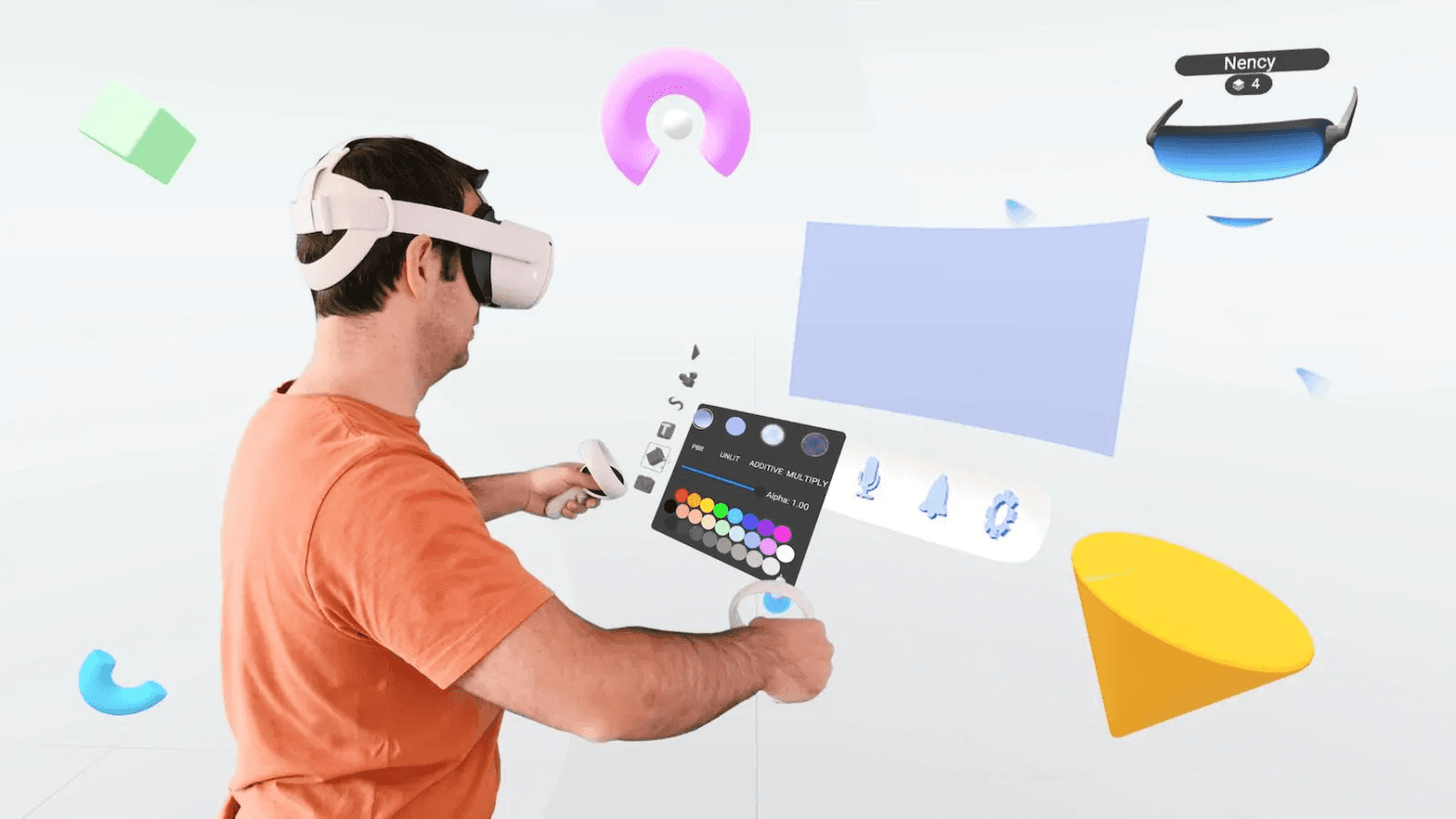
ShapesXR - designing INSIDE VR (the game-changer)
Here is where it gets genuinely exciting: you put on a VR headset and draw your interfaces… in 3D, with your hands.
It is powerful because:
- You see straight away whether your button is too far, too small…
- You work with your team in VR
- You export to Figma or Unity once it is ready
⚡ A tip: no headset yet? Use ShapesXR in its web version!
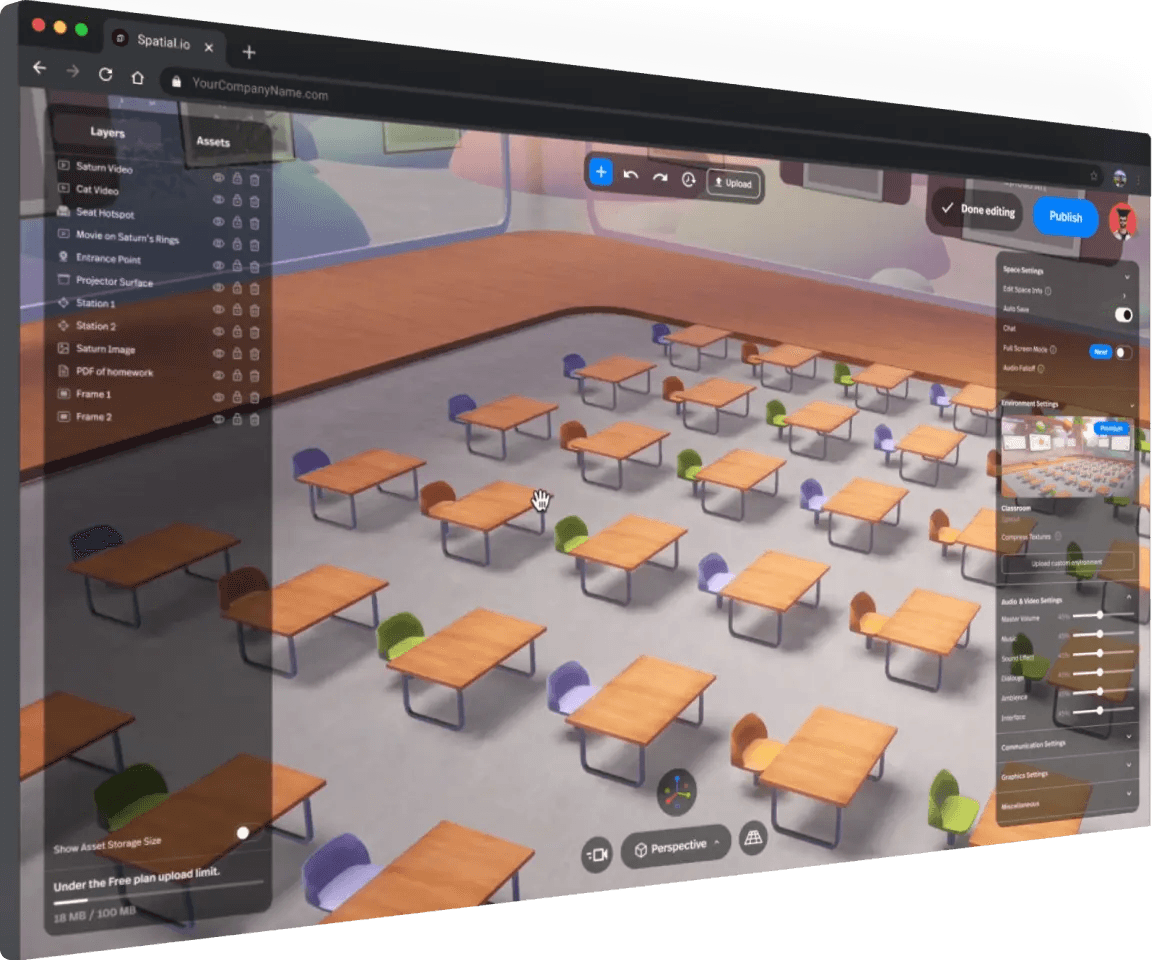
Spatial.io - present your designs immersively
Turn your Zoom design reviews into VR experiences people remember.
Picture it:
- Your client puts on a Quest and finds themselves in a 3D gallery with your work all around them
- You comment together, pointing at elements in space
- Accessible from a computer, a phone or a VR headset
💼 Perfect for: client presentations, 3D portfolios, virtual exhibitions
🎮 3D ENGINES: from the idea to the real experience
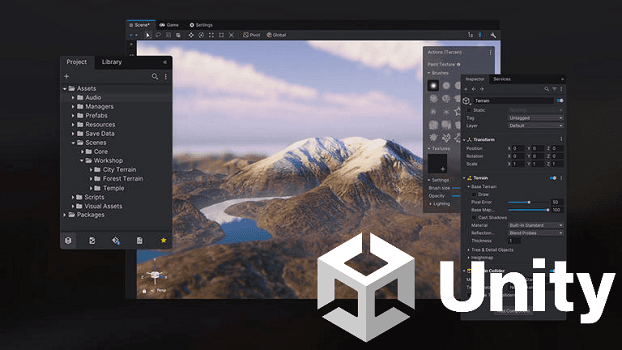
Unity - the essential one
60% of XR applications are built in Unity. It is THE industry standard.
Why you should learn it:
- Compatible with EVERY headset (Quest, Vision Pro, HoloLens and others)
- Thousands of free tutorials on YouTube
- An enormous community to help you along
🌱 Easing in: start with the "XR Interaction Toolkit" tutorials on YouTube. Two weeks of regular practice is enough to build your first interactive VR scene.
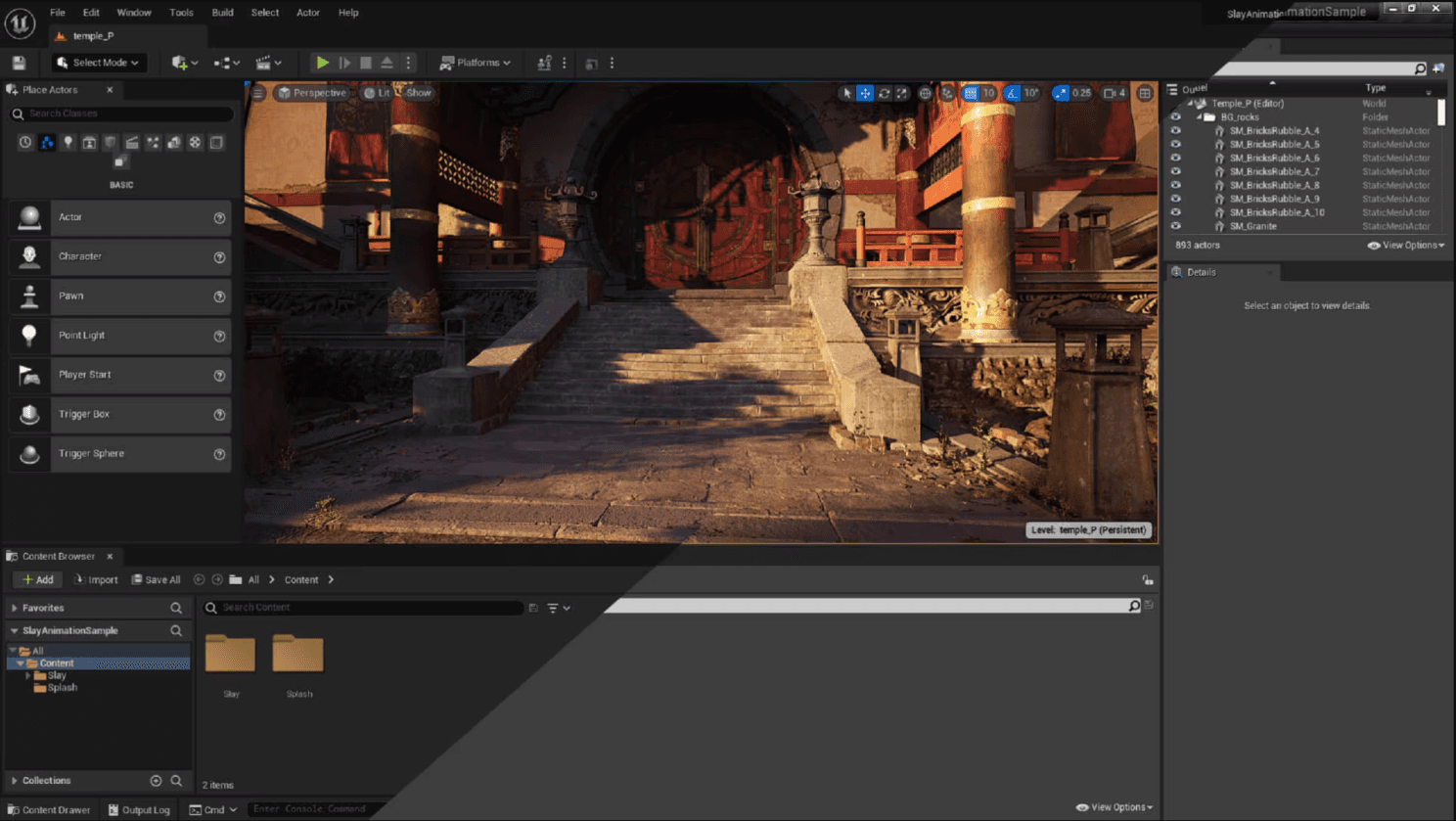
Unreal Engine - for spectacular visuals
Aiming for photorealism? AAA video game graphics? Unreal is made for you.
The big plus for designers:
- Blueprints = visual programming (you connect blocks, no code)
- MetaHumans for creating hyper-realistic people
- Breathtaking real-time rendering
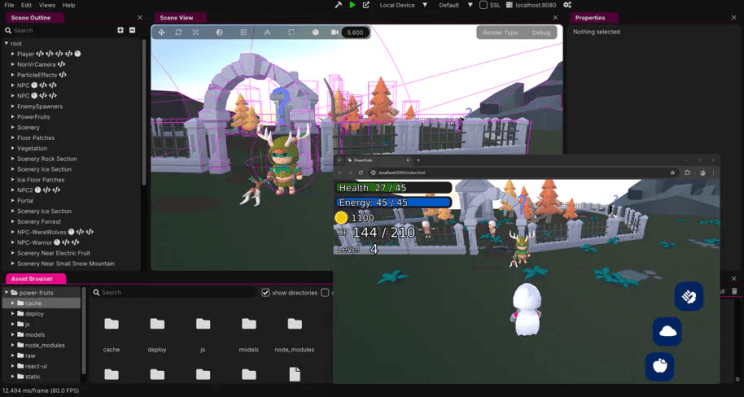
Wonderland Engine - WebXR made simple
The idea: build VR/AR experiences reachable… through a plain link. No app to download.
It changes things because:
- You share a link and anyone can open it on their Quest
- 10x lighter than a Unity application
- A simple visual interface (drag & drop)
🎯 Perfect for:
- Quick prototypes to show clients
- VR product showrooms
- Lightweight WebXR games
- Immersive training you can share by email
🌐 XR SOCIAL PLATFORMS: creating without code
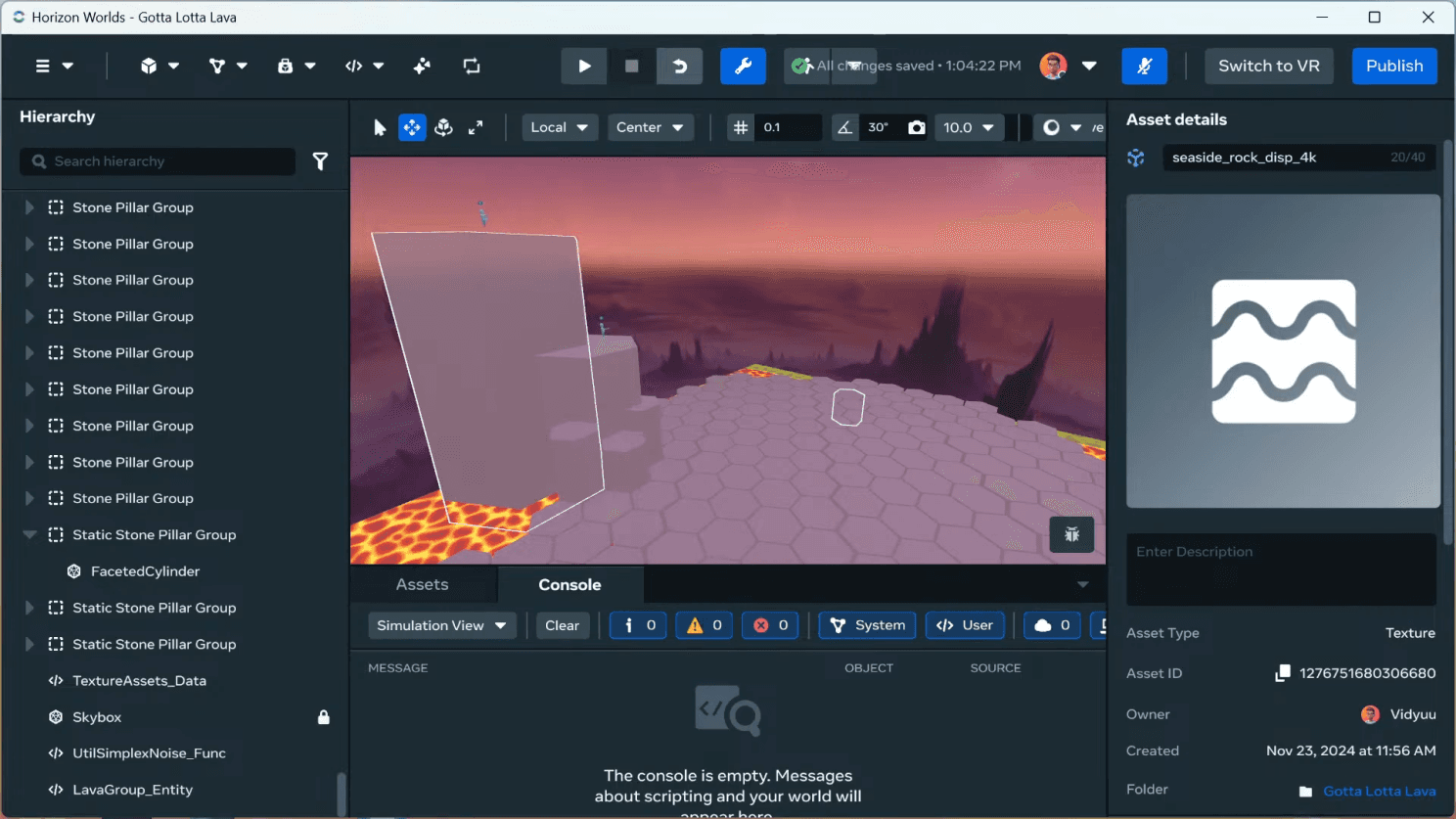
Horizon Worlds - the metaverse that already exists
This is the YouTube of VR: 300,000 worlds created, millions of users.
What is impressive about it:
- You build DIRECTLY inside your Quest headset
- A system of logic blocks (no code)
- Publish your world in one click, reachable by everyone
💡 Concrete examples:
- An escape game built in a week
- A virtual art gallery
- A coworking space for your remote team
- An interactive classroom
👉 Start here if: you have a Quest and no technical experience at all. Horizon Worlds is the best playground for learning.
📱 AUGMENTED REALITY: within reach, no headset needed
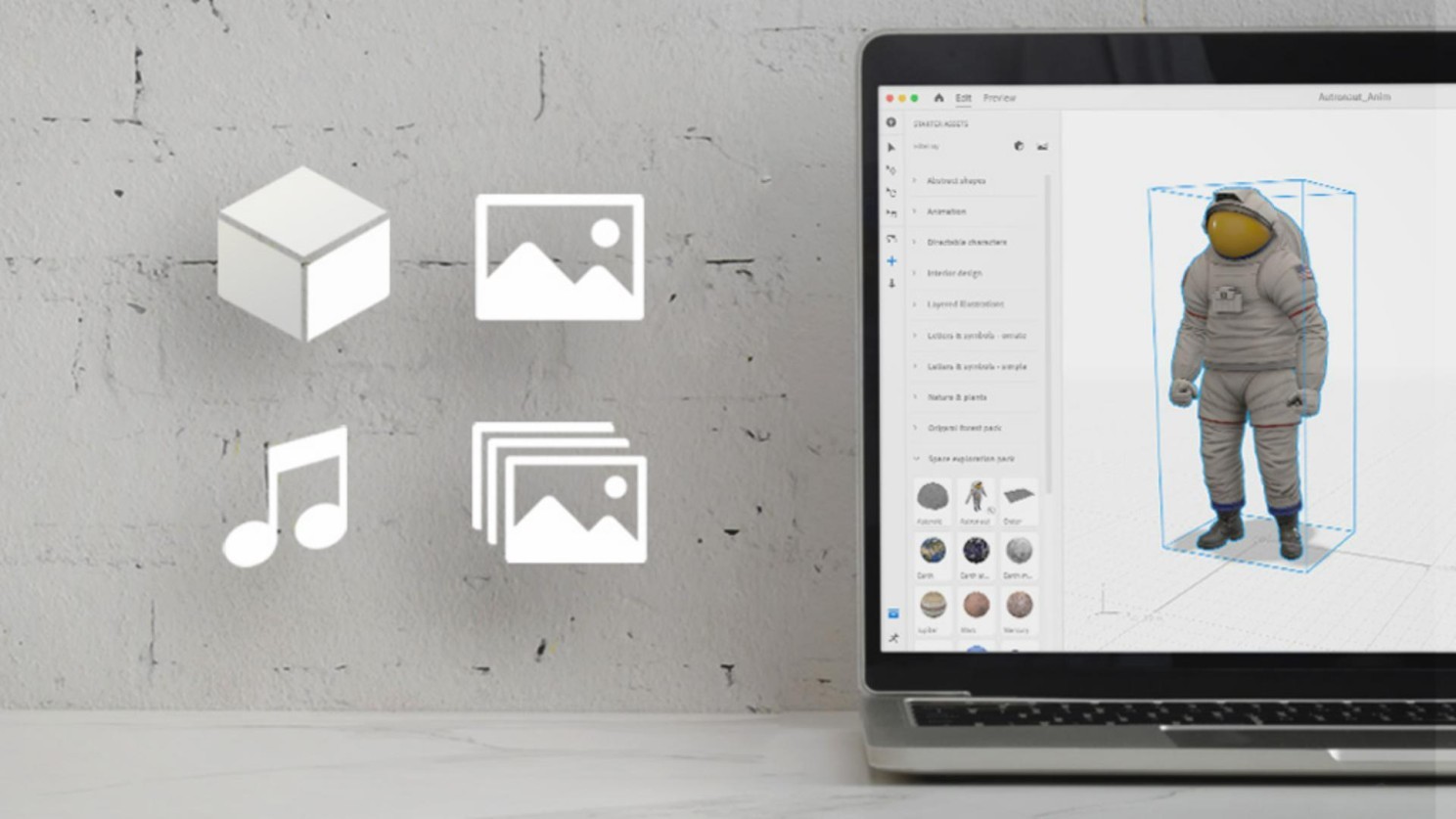
Adobe Aero - AR for creatives
Do you use Photoshop or Illustrator? Aero lets you turn your work into AR experiences, without code.
🎨 Use cases:
- An augmented creative portfolio (your business card comes to life)
- Interactive product packaging
- Furniture previews for e-commerce
- Spatial storytelling
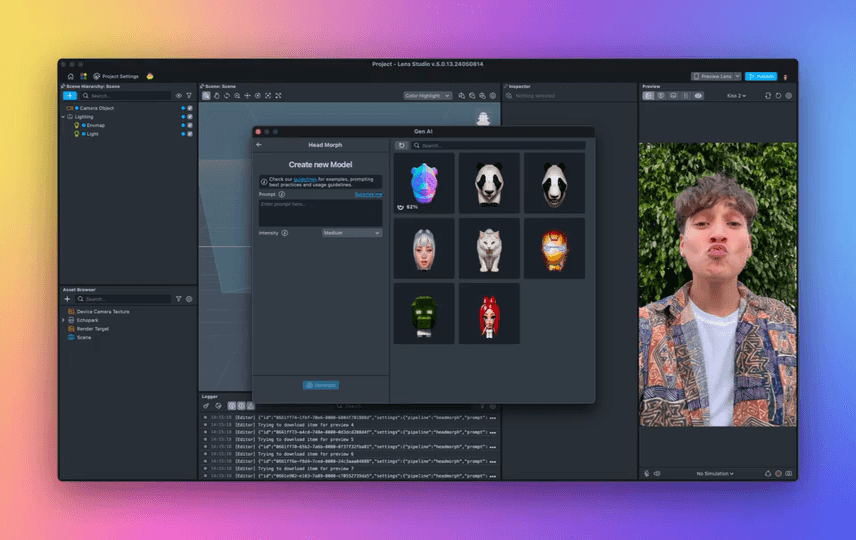
Lens Studio - create your own Snapchat/TikTok filters
300 million people use Snapchat filters every day. You can create your own.
Opportunities:
- Virtual try-on (glasses, make-up)
- Branded filters for marketing campaigns
- Location-based AR games
- Educational effects
🚀 The advantage: instant distribution to 750M+ Snapchat users. Since 2024, your creations also work on TikTok!
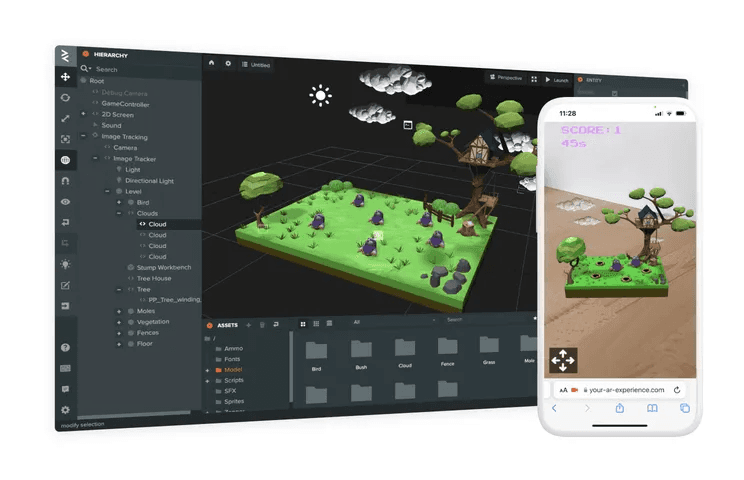
ZapWorks - professional AR without an app
Build AR experiences reachable by scanning a QR code. Nothing to install.
Use cases:
- The customer scans the poster → the product appears in 3D in front of them
- Scan a cereal box → an AR mini-game
- A business card → an animated 3D portfolio
- An assembly manual → interactive AR instructions
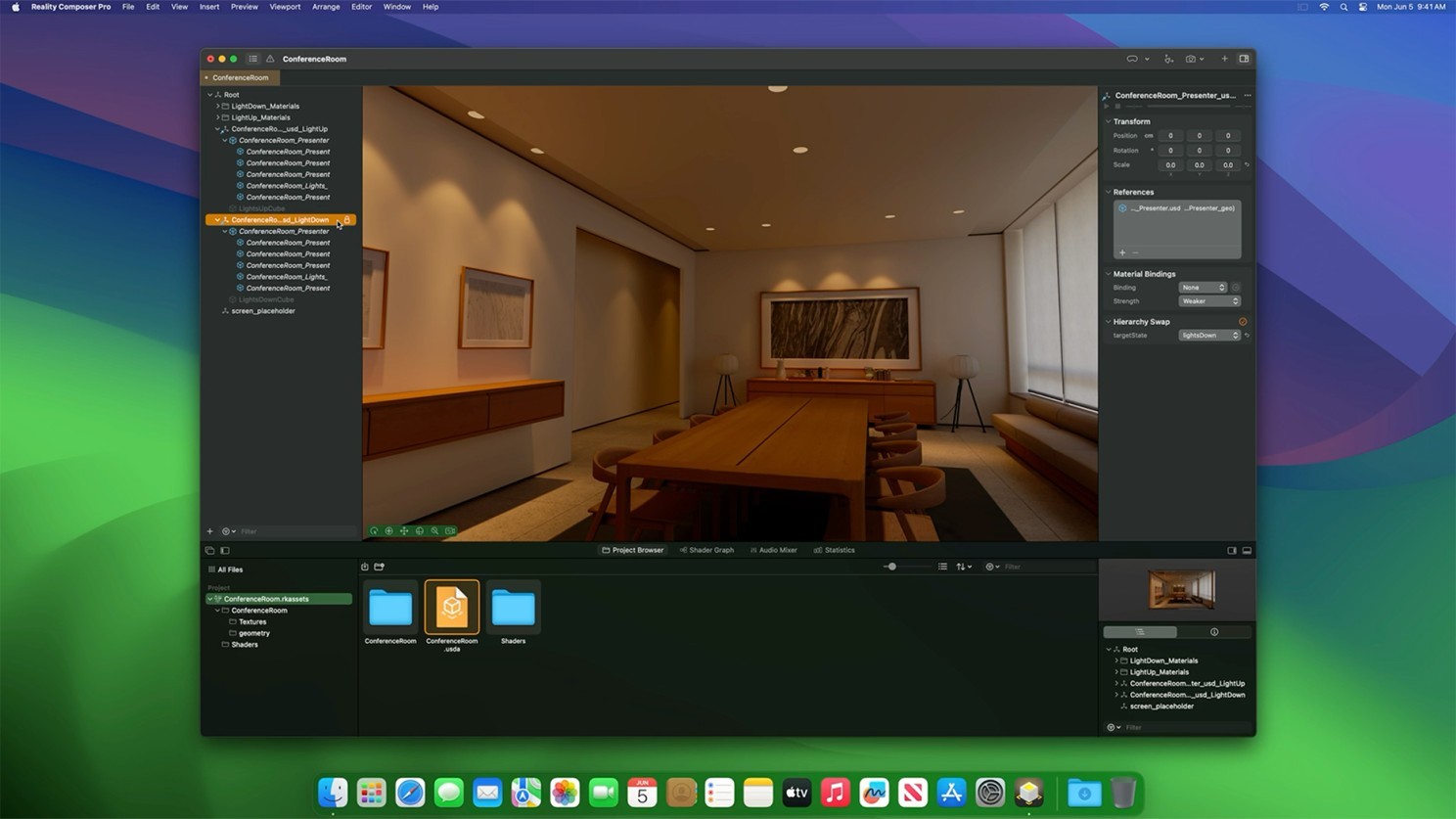
Reality Composer - the Apple way in
If you live in the Apple ecosystem (iPhone/iPad/Vision Pro), Reality Composer is free.
Its strengths:
- Drag & drop, no code required
- Instant preview on your Apple devices
- Seamless integration with Vision Pro
💡 Ideal for: first steps in AR, quick iOS prototypes
🤖 CREATING 3D ASSETS: from concept to model
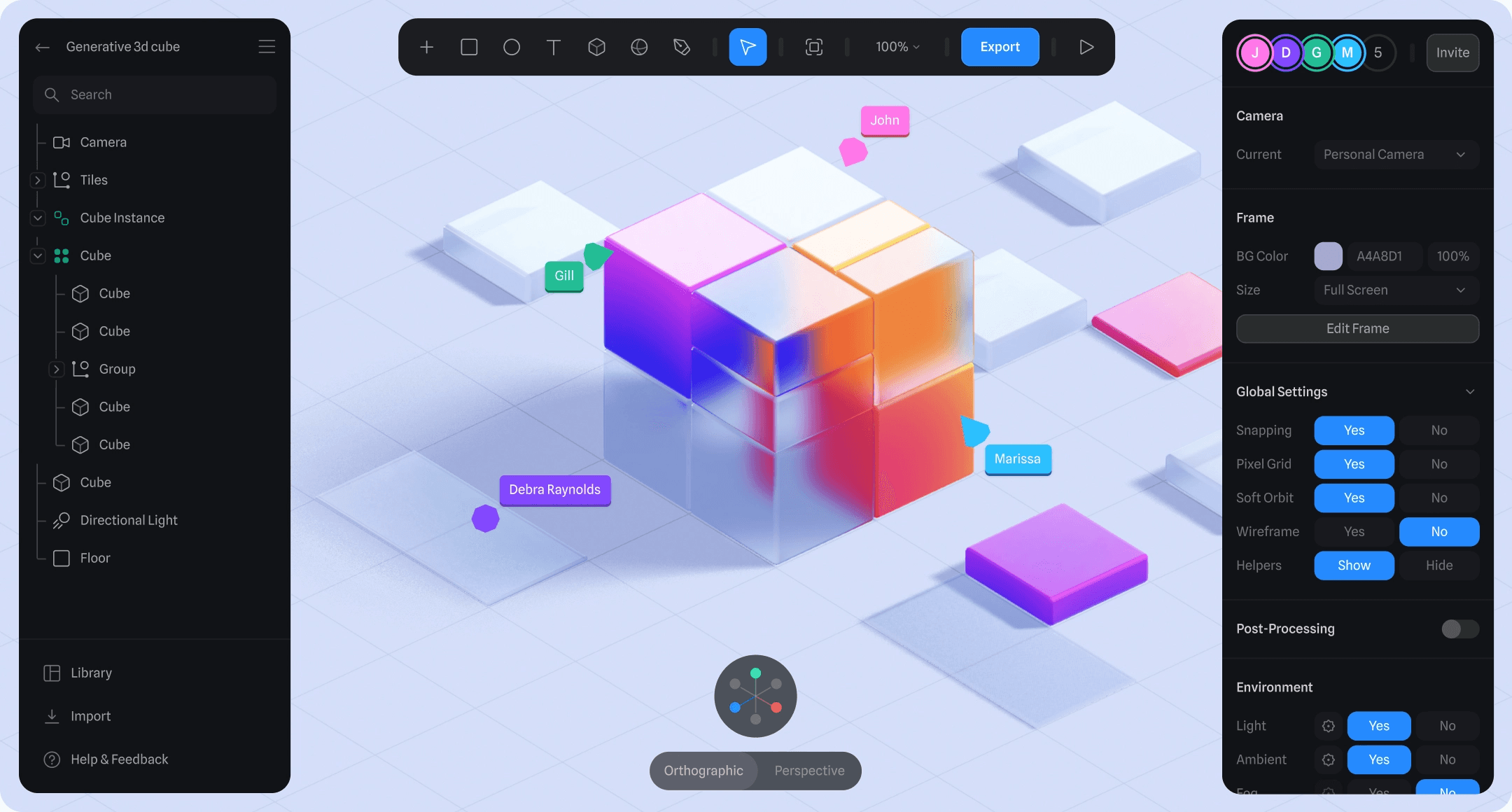
Spline - the "Figma of 3D"
You love Figma? Spline will give you the same feeling… in 3D.
Why it works so well:
- A familiar interface for 2D designers
- Interactions without code
- Real-time collaboration (like Figma)
- Direct export to the web (React, HTML)
- Vision Pro export (USDZ)
🎯 Use cases:
- Prototypes of spatial interfaces
- Interactive 3D landing pages
- 3D product configurators
- Photorealistic mockups
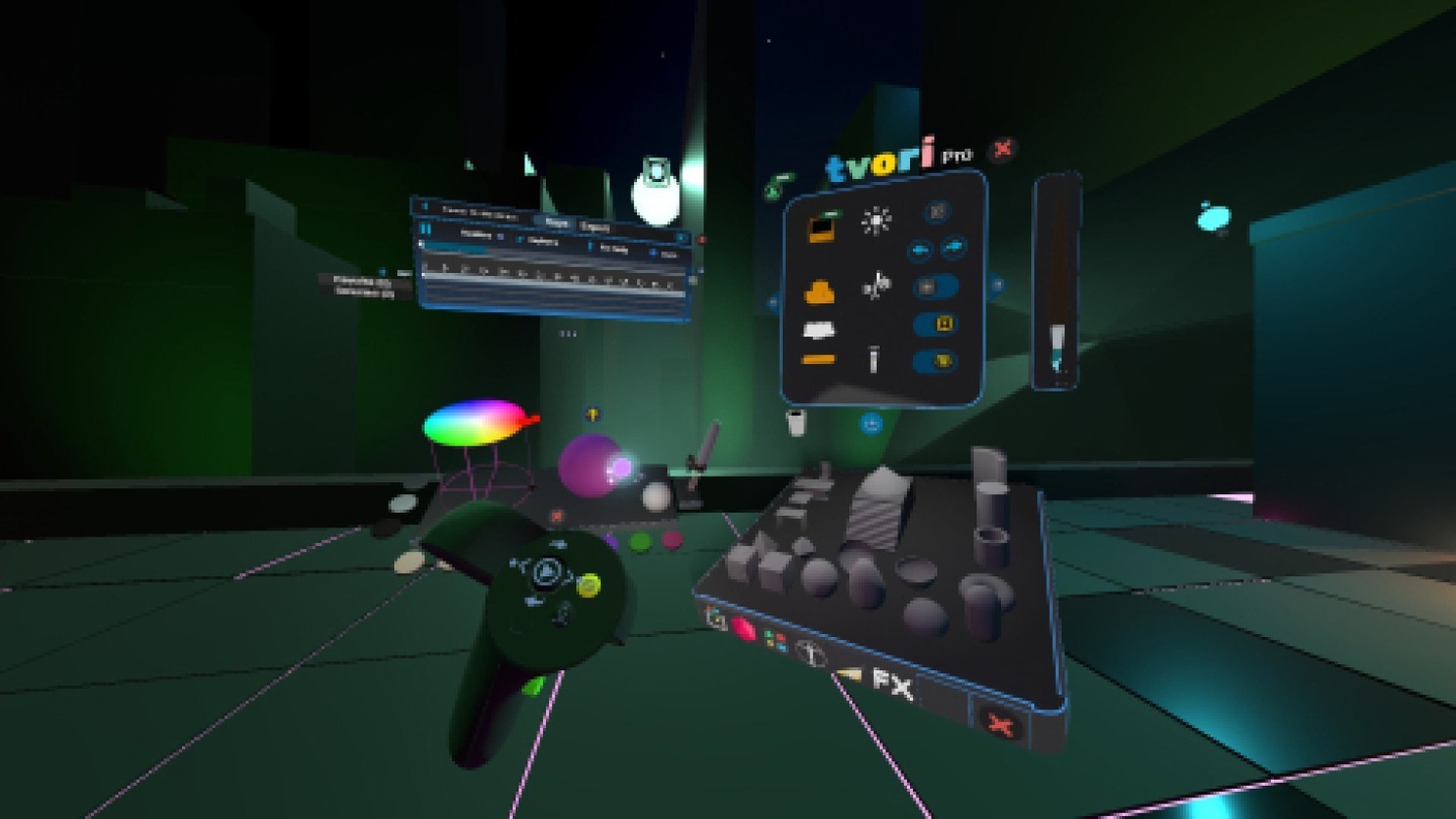
Tvori - VR sculpting & animation
Imagine drawing in 3D with your hands, in VR. That is Tvori.
What you can do with it:
- Sculpt characters intuitively
- Animate them directly in VR
- Work with up to 8 people at once
- Build storyboards immersively
🎨 Perfect for: 3D artists, animators, concept artists
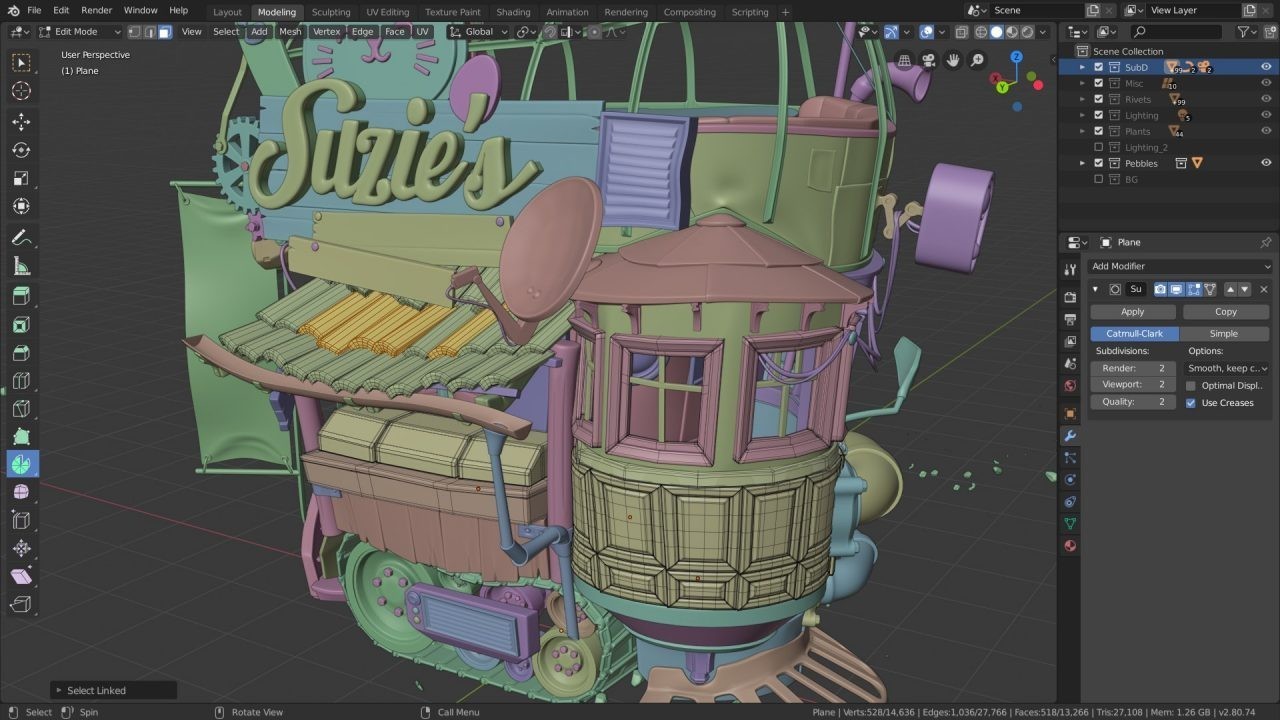
Blender - the Swiss army knife (free)
The professional 3D tool… entirely free and open source.
Everything you can do with it:
- Full modelling
- Sculpting
- Character animation
- Photorealistic rendering
- XR-optimised export
📚 Resources: thousands of free YouTube tutorials. The learning curve is steeper, but the community is remarkable.
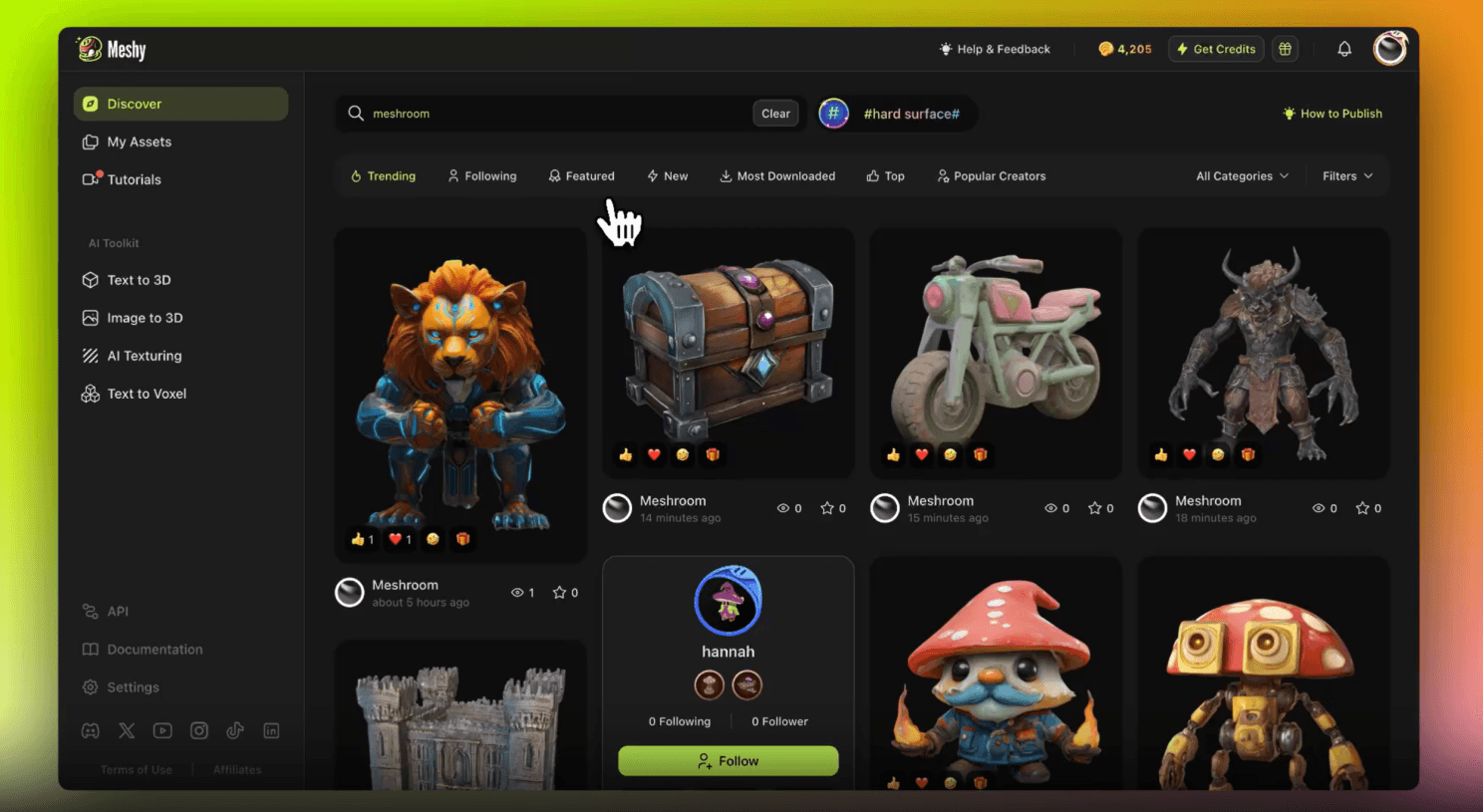
Meshy.ai - the AI that creates your 3D models
Type "medieval wooden chair" → get a textured 3D model in 2 minutes.
It works wonders for:
- Extremely fast prototyping
- Filling out VR environments
- Creating product variations
- Visual concepts for clients
💡 Upload a photo → get the 3D model. Perfect for AR in e-commerce.
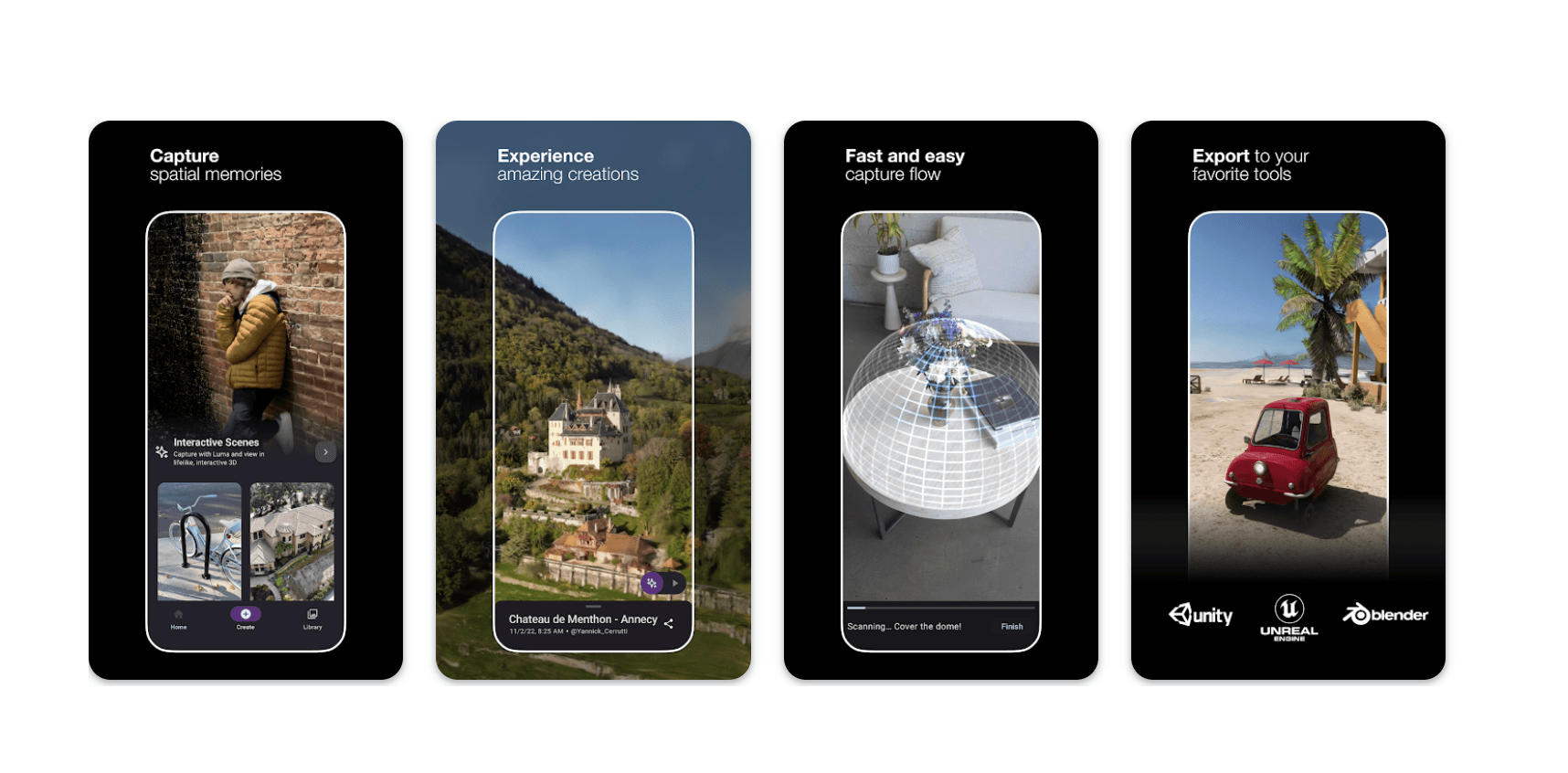
Luma AI - 3D scanning with your phone
Film an object with your iPhone → get a usable 3D model.
Concrete use cases:
- Digitising real objects for your AR application
- Creating digital twins
- Scanning a physical prototype → a 3D model
- Capturing real environments
✨ Your next step: choose ONE experience to build
Do not spread yourself thin. Pick ONE simple project and see it through:
- 🎴 An animated AR business card
- 📸 A Snapchat filter for trying on glasses
- 🏠 A WebAR product showroom
- 🌍 A mini-game in Horizon Worlds
- 🎨 An interactive 3D gallery
💌 Stay in touch!
Subscribe to my newsletter XR Design for Humans for regular resources, tutorials and inspiration on XR design.