The keywords of XR: your guide to starting out with confidence
FOV, presence, play area: the vocabulary of XR explained simply, so you can follow the conversation and choose your tools.
- XR
- Vocabulary
- Getting started
Hello to everyone curious about the world of XR! 👋
Stepping into the world of XR can feel like being handed a new language.
And yet getting a grip on this vocabulary is a fundamental step! It helps you understand the tools, work well with others, and build experiences that feel more intuitive for everyone.
I have gathered these words for you so you can start from solid ground. Let's take the time together to go through the most important concepts in XR, explained simply.
🛠️ The fundamentals: laying the groundwork
XR (eXtended Reality): the term that gathers three large families of immersive experience:
- VR (Virtual Reality): an entirely virtual world.
- AR (Augmented Reality): a layer of virtual elements added on top of reality.
- MR (Mixed Reality): virtual elements embedded into reality.
→ Remember: XR = VR + AR + MR.
More on this in these articles:
- What is XR, concretely [In practice]
- What is XR, concretely [In theory]
👀 Finding your bearings, understanding space
Field of View (FOV): the portion of the environment, real or virtual, visible around you. The wider that field, the stronger the immersion.
Presence: your brain "forgets" reality and fully believes the digital experience. Feeling an emotion in VR — vertigo at the edge of a virtual drop, say — is an excellent sign of presence!
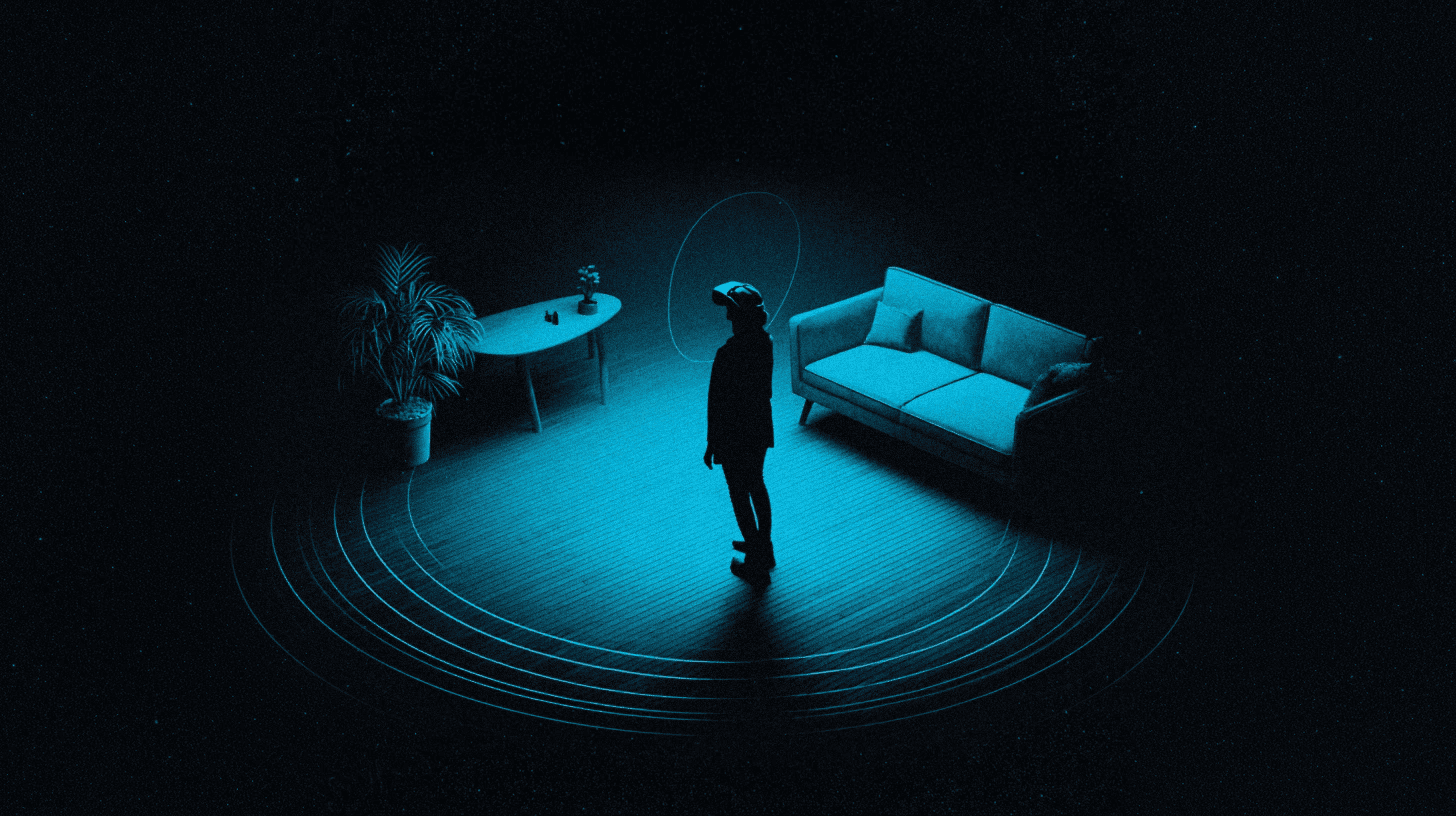
Play Area (safe zone / play zone): before a VR experience, it is essential to mark out a physical space where you can move without danger: that is the play area. It keeps you from walking into furniture or walls.
Room-scale: some XR experiences let you walk and move around the room freely. Your real movements inside the play area are then captured and reproduced in the virtual world, "at the scale of the room".
Teleportation: in VR, moving instantly with a click is often more comfortable than "walking" virtually. This way of getting around heads off the queasiness known as motion sickness.
Anchoring: fixing a virtual object to a real or virtual location (for example, instructions that always stay above a real machine, or a watch-like menu attached to your wrist).
Spatial Mapping: the process of scanning and making sense of the shape of the real environment. The headset analyses and "understands" the room so it can place virtual elements correctly (setting a 3D model down on a real table, for instance).
Spatial computing: the term covering all the technologies, software and interactions that use an understanding of space to blend the real and the virtual.

💡 Interacting with your environment
Controller: a tangible tool for selecting, moving, creating and interacting in XR.
Hand Tracking: recognition of your real hands so you can handle the virtual without a physical controller. It feels natural, but it takes a little practice.
Gesture Control: XR recognises certain gestures — pinching, waving, signalling. Useful for moving through a menu or confirming an action.
Micro-gesture: a very subtle movement of the hands or fingers, often almost imperceptible, used to interact with digital interfaces. You can click, scroll or select without broad movements, which makes the experience more natural and more discreet.
Gaze Tracking / Gaze Control: your eyes drive the interface. Looking at a button for two seconds can be enough to select it.
Voice Control: speaking a command out loud ("Next", "Open map") lets you control the experience, often alongside gestures.
🖥️ Interfaces and feedback
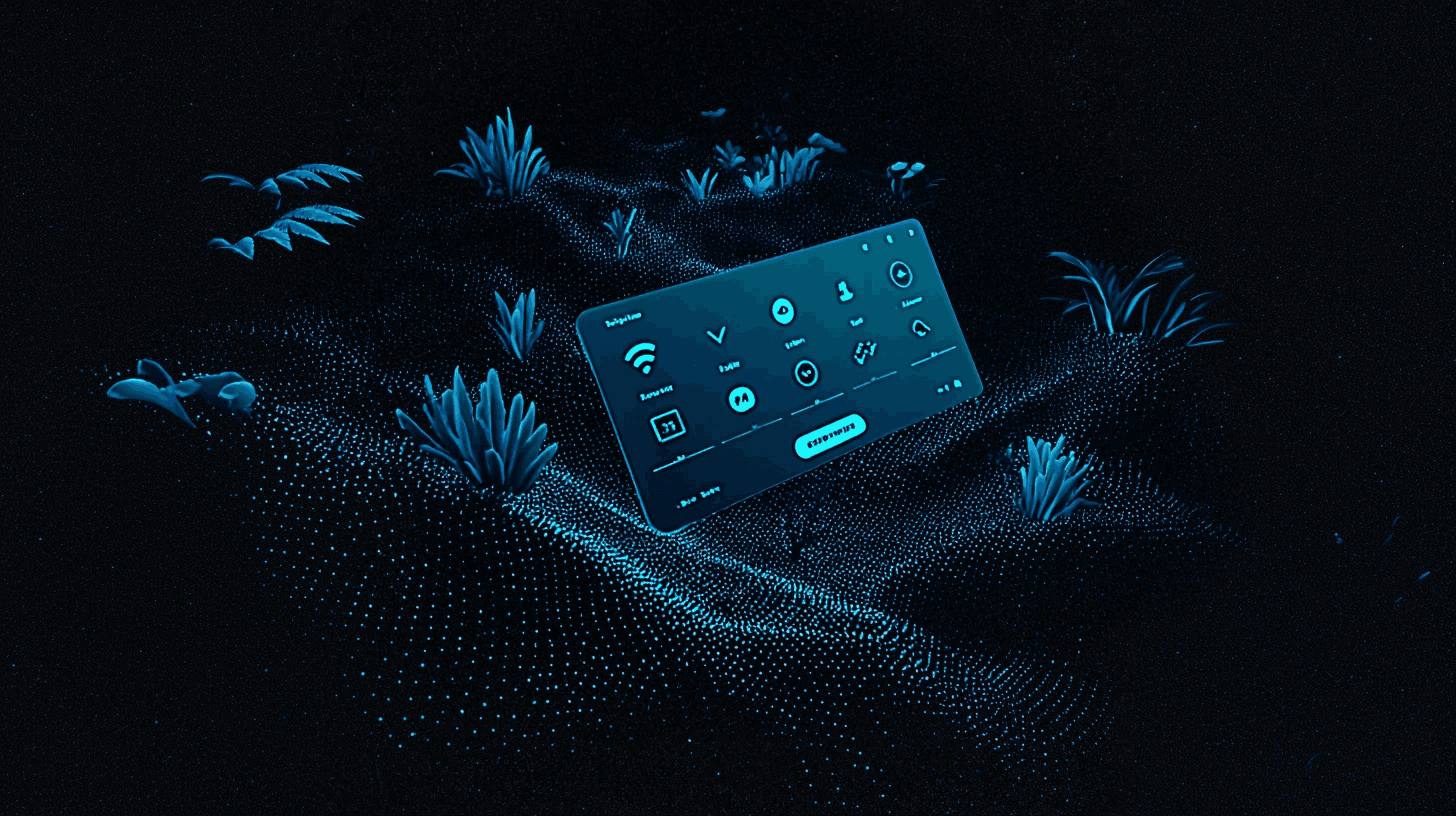
Floating Screen: virtual screens that hover in your field of view. Ideal for keeping information visible without hiding your environment.
HUD (Head-Up Display): essential information (score, health, direction…) laid over what you see. The interface is "anchored" (see anchoring) to your head.
Affordance: the ability of an object or an interface to suggest how it is used through its shape, its texture or its appearance. It is what makes an action obvious: a shiny button to click, a handle to pull… The stronger the affordance, the less instruction is needed.
Feedback: as soon as you act, the system sends back an immediate response (visual, audio, haptic and so on). It signals that the action has registered, helps you understand what is happening, and lets you adjust what you do next.
Haptics: a sensation of vibration or pressure that simulates touch, enriches the experience and guides you.
Spatial menu: a menu displayed in 3D space around you. You can handle it like a real object.
Comfort Zone: the area where interactions stay easy and comfortable for the body — generally in front of you, around chest height.
Degree of Control: how fine and how precise your interactions are: the higher it is, the more pleasant the experience.
🧍♂️ Taking form and acting in the digital world
Avatar: your digital form: hands, a whole body, or a simple digital "shadow", depending on the experience.
Body Tracking / Full Body Tracking: the system recognises your movements — raising a leg or turning your head shows up in the XR world. Ideal for games and hands-on training.
Embodiment: the moment when you forget the technology and feel that the virtual body really is yours.
Proteus effect: adapting your behaviour to the avatar you are inhabiting in a virtual environment (behaving more aggressively or more confidently depending on how your avatar looks, for example).
Agency: the sense of control and of capacity to act that you feel in an interactive experience. The higher the agency, the more your choices and actions feel as though they genuinely shape the environment or the system.

📖 Worth knowing too!
Reset View / Recentering: when the XR view is no longer centred in front of you, this command puts everything back in place with one click.
Passthrough: seeing the real world through your XR headset's cameras, without leaving the session. (Meta Quest 3, for example)
See-through: seeing the real world directly through transparent lenses (HoloLens 2, for example)
Occlusion: virtual objects passing correctly in front of or behind real elements, so that everything stays believable.
Latency: the delay between your gesture and its effect on screen. A short delay avoids the break in immersion, and the discomfort.
Motion sickness: the discomfort (nausea, dizziness) some XR users feel, caused by a mismatch between what their eyes see and what their body senses. (visuo-spatial incoherence)
Why does this glossary matter?
Once you understand these keywords, you will:
- Follow conversations between experts far more easily,
- Make faster progress on your own XR path,
- Imagine and design experiences that are more accessible and more pleasant.
Do keep this glossary and come back to it now and then. These concepts will soon feel instinctive, and they will open a good many doors in the fast-moving world of XR.
So, tell me…
- Which XR terms were giving you trouble before you read this?
- Any acronyms you hear often without quite knowing what they mean?
- Any questions about the technical jargon of immersive design?
Tell me everything in the comments!
Did this article shed some light on XR? Share it with your fellow designers and subscribe so you never miss the fundamentals of XR design! 🚀