UX in XR: why the more intuitive it is, the more immersive it feels
In XR, the click gives way to the gesture. Why building on behaviours people already have lowers mental load and deepens immersion.
- XR
- UX
- Immersive design
Hello to everyone curious about the world of XR! 👋
Intuitiveness is the central pillar of an immersive XR experience that works. Designing an intuitive interface means letting people understand instinctively how to interact, without long explanations or intrusive tutorials. In an immersive environment, the smallest moment of confusion breaks the spell and pulls the user out of the experience.
XR changes our relationship with digital tools completely: the click gives way to natural movement, drag-and-drop gives way to fluid gestures. That shift upsets our habits: we leave behind an interaction we learned (clicking a mouse) for one that is innate and intuitive (opening a door, turning the pages of a virtual book)
The real challenge is to make an interface as familiar and as intuitive as possible, so that people interact with their virtual experience naturally.
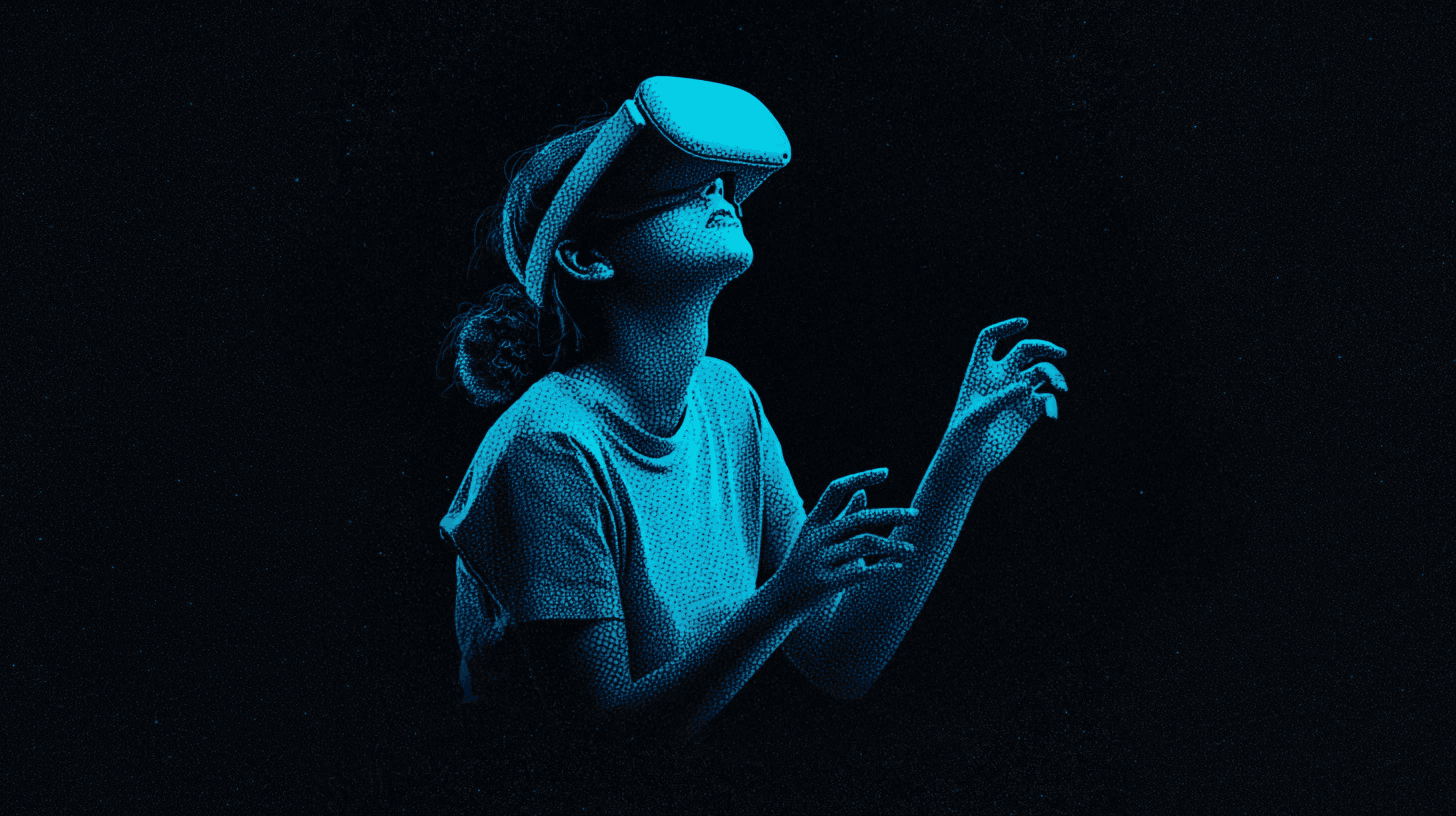
Why intuitiveness deepens immersion
Building on behaviours people already have lowers mental load and encourages engagement. The closer the interface sits to human gestures and reflexes, the more the user can concentrate on the content rather than on how to reach it
What an intuitive interface brings to XR:
- A short learning curve: the user feels capable within the first few minutes
- A more engaging experience: attention stays on the world, not on the interface
- Less stress and less frustration: nobody has to "learn" a new system
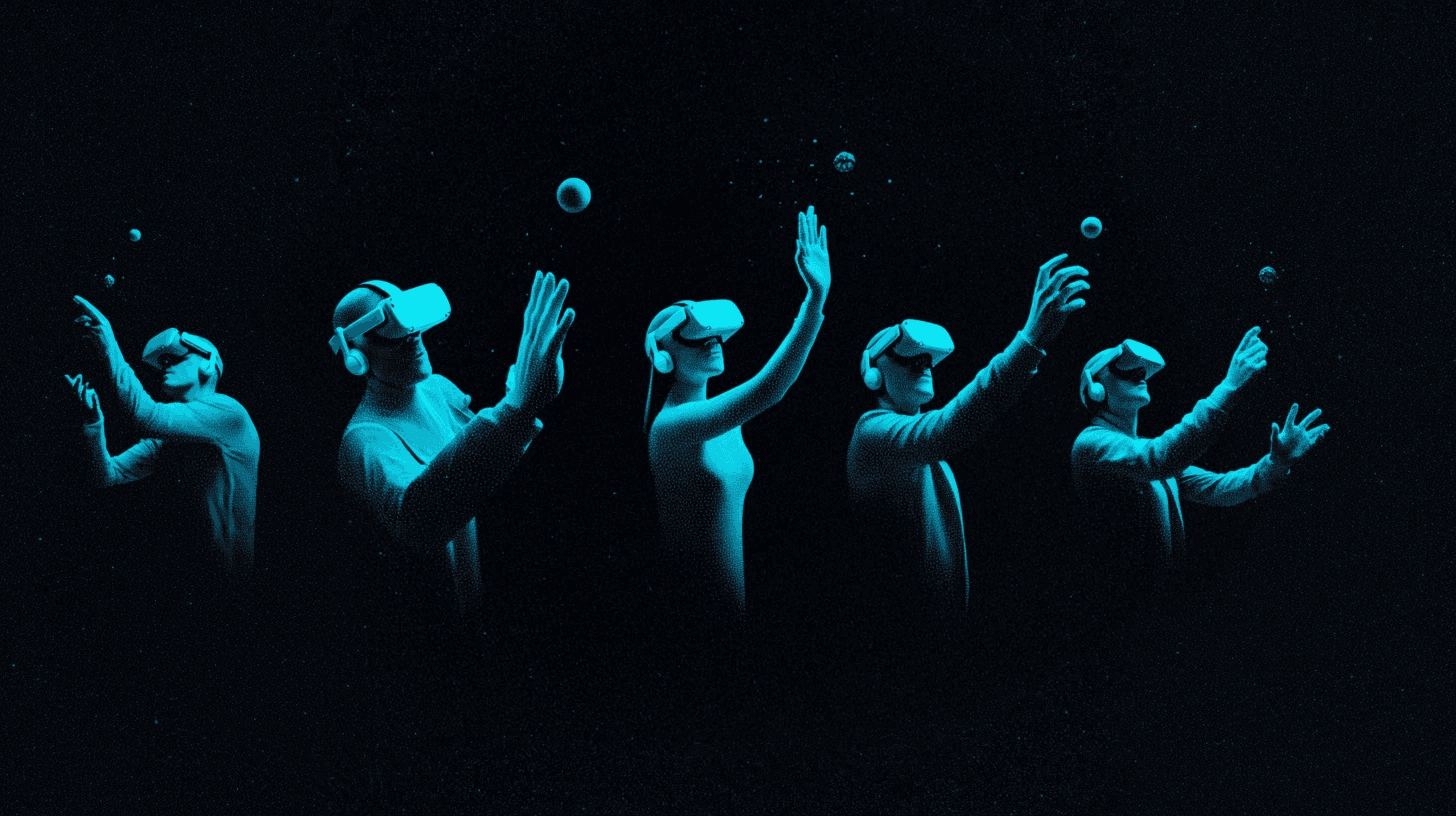
Good practice for intuitive XR
- Use natural gestures: grabbing, pushing, pointing… Let people pick up a virtual object the way they would a real one, and build interactions on real physics so they feel natural.
- Avoid abstract commands: favour simple, direct actions, and keep the number of gestures to memorise small.
- Give immediate feedback: every interaction should produce a visual, audio or haptic response that confirms the action and reassures the user.
- Lean on affordances and signifiers: as in the real world, people need to understand what can be handled or activated, and how.
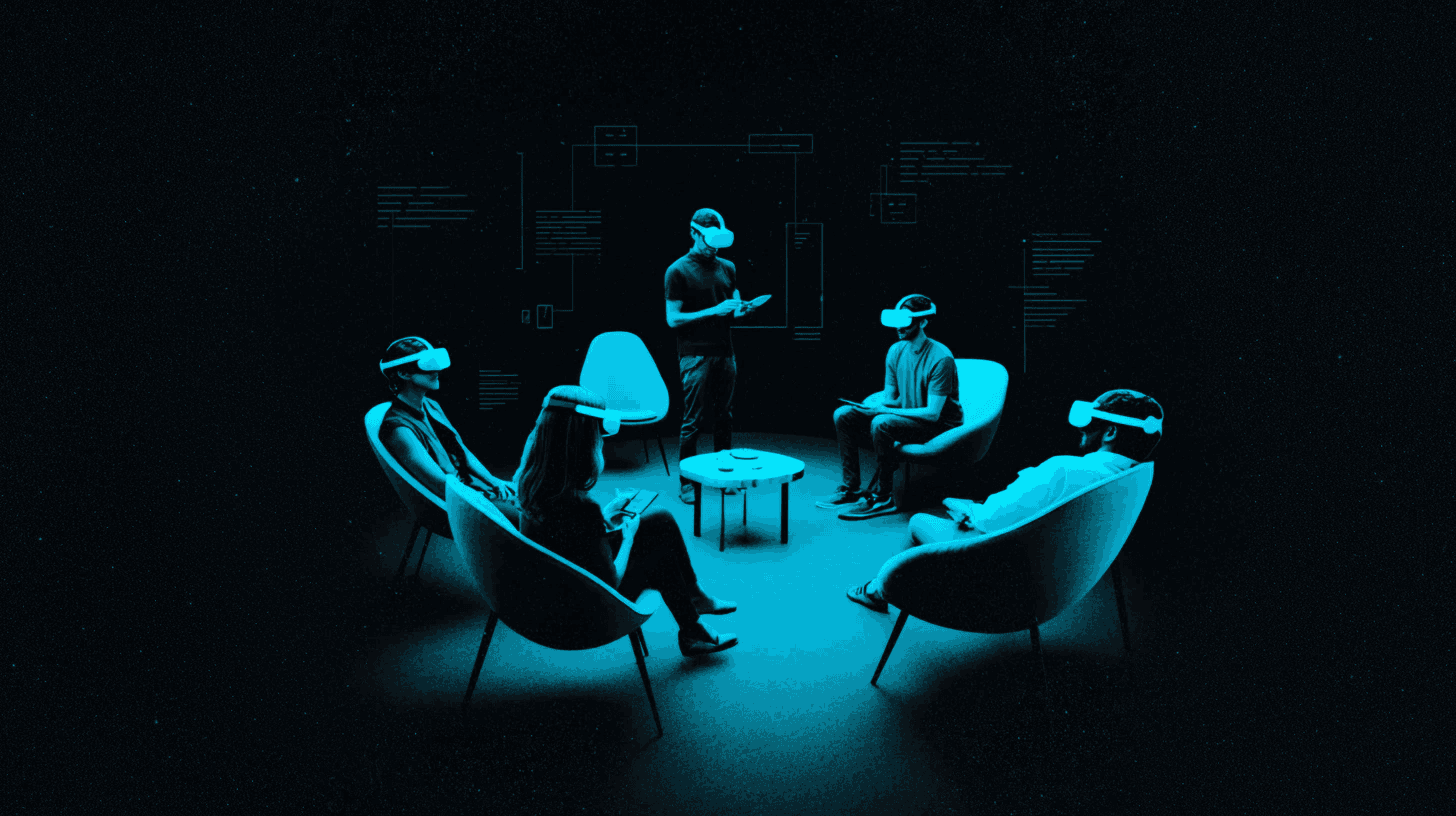
Observe, test, iterate
The key to getting it right: watch how people behave naturally, take what neuroscience has to offer, and test regularly with real users to confirm that each interaction really is intuitive. The closer the interface sits to human reflexes, the more immersive and memorable the XR experience will be.
What about you — have you ever had an XR experience that felt especially intuitive? Which gestures or natural interactions stayed with you? Share your stories!
Intuition is something you can work on!
To develop your sixth sense for XR design and create genuinely immersive experiences, my course is your best ally. Take the leap!
Sources
- Laws of UX
- Dans le cerveau du gamer – Neuroscience and UX (in French)
- Natural User Interfaces – Interaction Design Foundation
- Meta Horizon – Design Guidelines
- UX for XR — User Experience for Extended Reality
- Revolutionising User Experience: The Impact of XR Technologies in UX Design
- 4 Key Challenges Facing UX Design for XR – And How to Solve Them – Part 1/3
- Experiential XR Design: Driving User Efficiency and Engagement
- Intrigued by XR: A Product Designer’s Exploration of User Experience and Interaction Design