From UX-UI designer to XR designer: transferable skills, and the new ones to learn
Empathy, visual hierarchy, user journeys: what you already know still holds. A look at the transferable skills and the ones to pick up.
- XR
- UX
- Career change
Hello to everyone curious about the world of XR! 👋
XR turns the rules of design upside down: we move from a craft built around the screen to the creation of immersive, interactive environments. The good news is that the skills of "classic" designers remain valuable — but new reflexes have to be picked up as well to explore everything augmented, virtual and mixed reality can do.
Which strengths are worth playing to? Which skills should you develop to make the move into XR design?
Here is a short list of skills that might point you in the right direction:
Transferable skills: your designer superpowers
Even when the medium changes, your designer's toolbox remains a real asset in XR:
Empathy & understanding of users
Understanding people's needs, limits and expectations remains the heart of the job, immersive worlds included. User experience is central to making XR accessible, inclusive and engaging.
UX & UI principles
Visual hierarchy, consistent journeys, clear information: these fundamentals are indispensable for guiding and reassuring people, 3D space included. Designers have to carry their knowledge of ergonomics and navigation over into spatial environments.
Creative thinking & prototyping
Being able to generate ideas, test them quickly and iterate remains a central pillar. The difference? You prototype in three dimensions, testing immersive interactions and scenarios, often with tools such as Unity for those who know it, but also ShapesXR for no-code prototypes.
Project management & teamwork
XR projects are usually multidisciplinary: you work alongside developers, 3D artists, sound specialists and more. Soft skills - communication, organisation, project management - are therefore essential to carry an immersive experience through.
New skills to acquire for XR
To make the move into XR design successfully, a few new strings have to be added to your bow:
A command of space and 3D interaction
Thinking in volume, anticipating movement, interaction and perspective in order to guide someone through a 360° space. That means understanding spatialisation, navigation and how attention is handled in an immersive environment.
Knowing the XR prototyping tools
Getting familiar with engines such as Unity, but also with no-code solutions (ZapWorks, ShapesXR) to go from an idea to an interactive test. Being able to prototype quickly is a key asset, both for experimenting and for convincing others.
3D modelling and animation skills
Creating 3D assets (modelling, texturing, animation) becomes a genuine plus, even when you work with specialist teams. Knowing the basics means better conversations and fewer technical surprises.
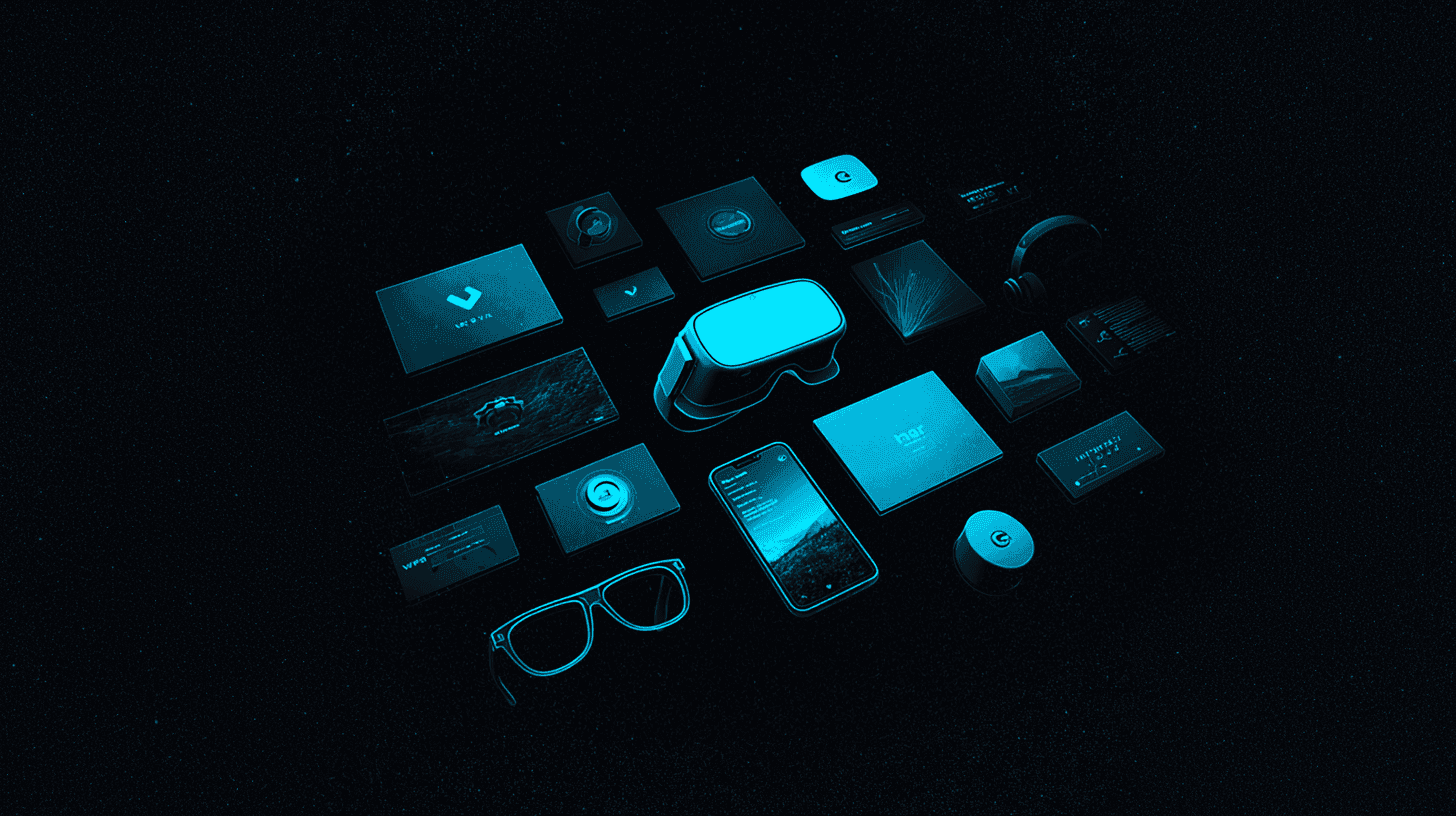
An understanding of XR technologies
The differences between AR, VR and MR, what headsets can and cannot do, the challenges of tracking, the specifics of each piece of hardware: technical constraints have to be anticipated, and designs adapted to the devices you are aiming for.
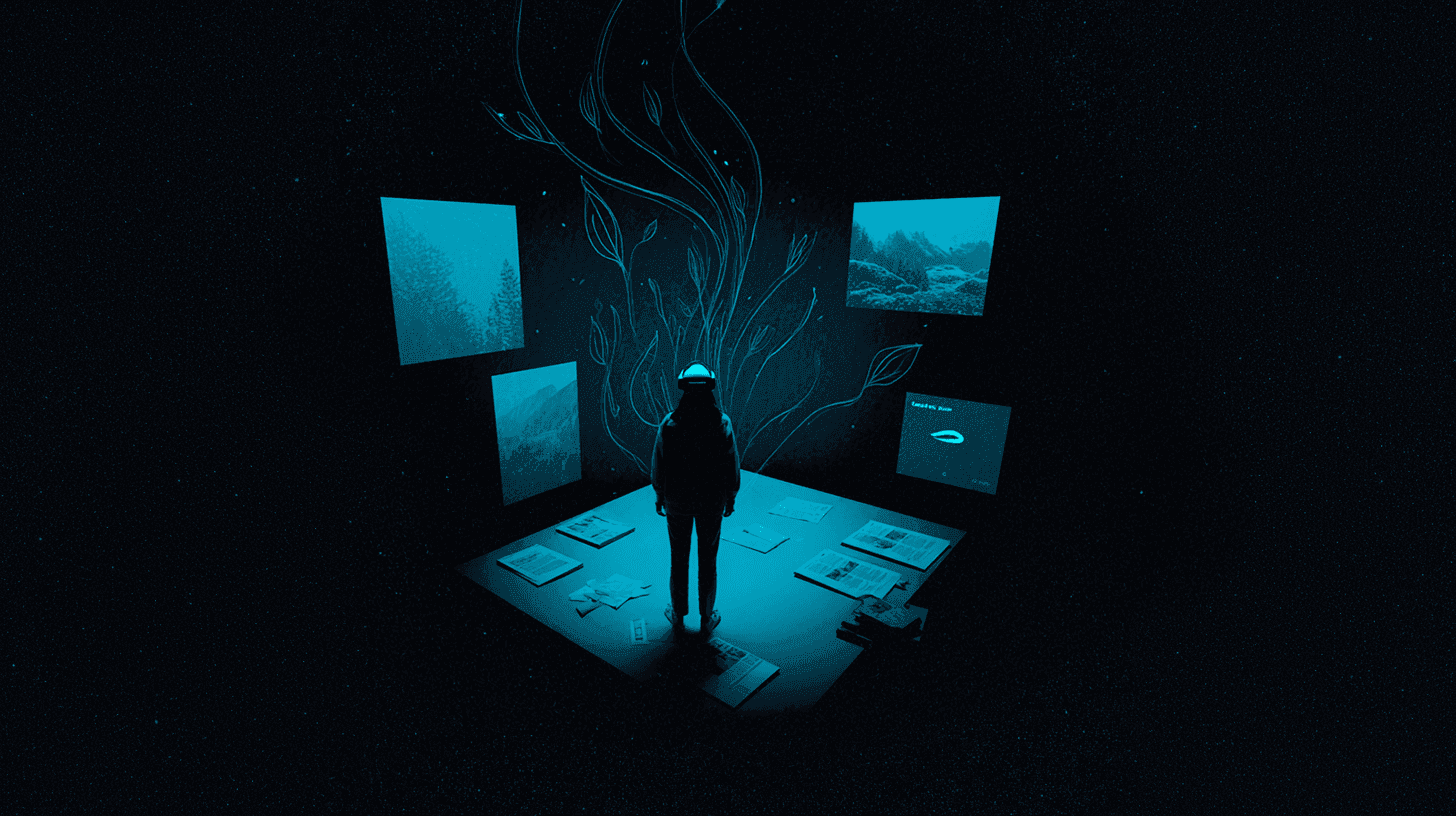
A feel for immersive storytelling
Knowing how to immerse someone and hold their attention through spatial or interactive scenarios. Storytelling in XR rests on environmental narrative, on interactivity, and on pacing.
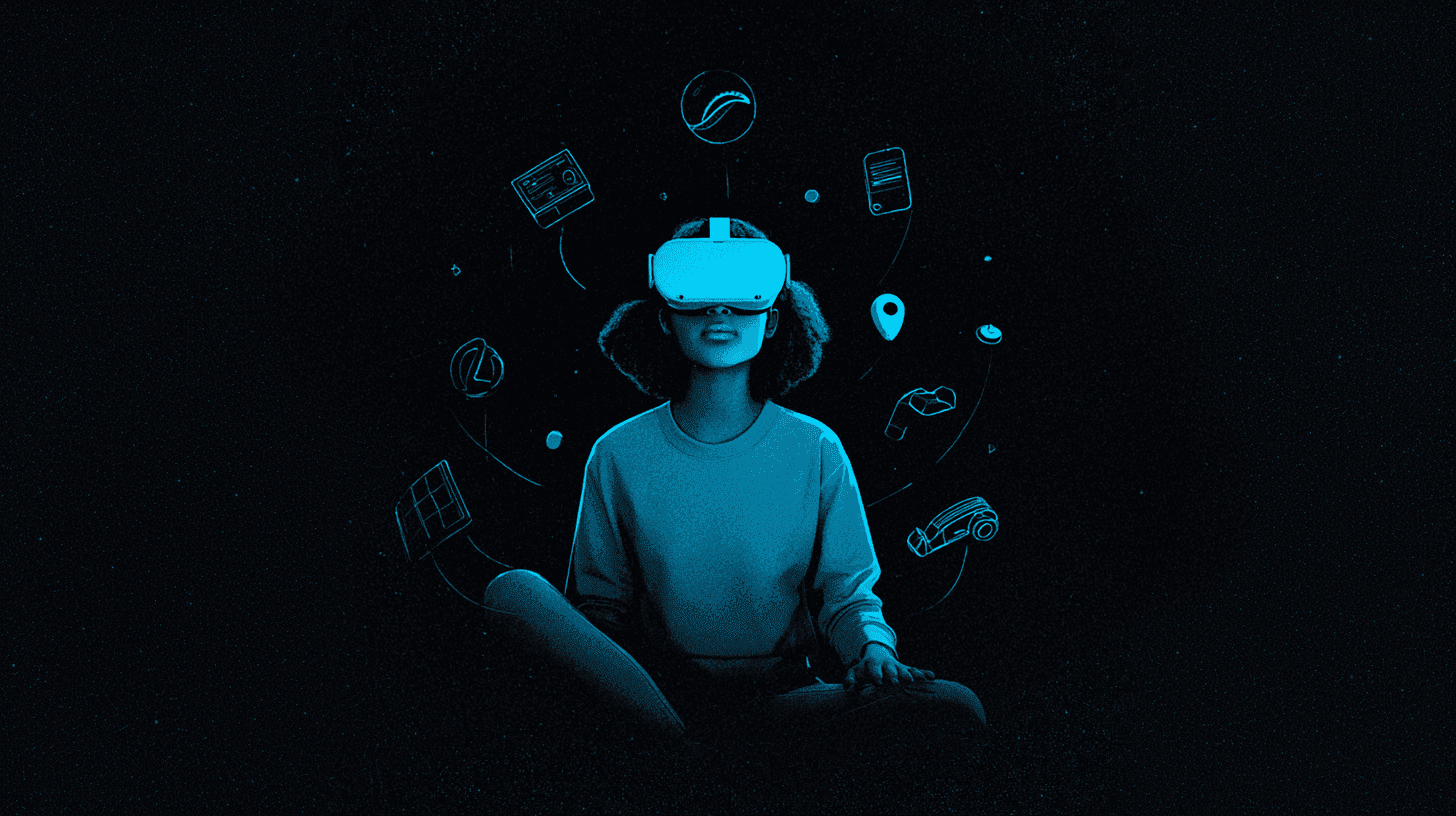
Looking after comfort and ethics
Accounting for fatigue, cybersickness, data protection, accessibility and inclusivity in your designs. The user's wellbeing is central to experiences that are positive and responsible.
Practical advice for starting the transition
- Begin with short courses or online tutorials to discover the XR tools (Unity, ShapesXR, Snap AR and others).
- Join communities, or follow XR designers on LinkedIn, on Discord, or at specialist bootcamps.
- Start small projects of your own (AR experiences, VR prototypes) to practise and build up your portfolio.
- Study successful XR experiences regularly (exhibitions, games, professional apps) to decode their design decisions and draw inspiration from them.
Moving from designer to XR designer means building on your fundamentals while daring to relearn and experiment. It is as much a technical challenge as it is a wonderful playground for anyone who loves innovation and human-centred design. The opportunities are many, and demand for hybrid profiles keeps growing across every sector.
Keen to train? The first of a long series of courses on XR is coming soon! Stay tuned!
Sources
- EEMI – XR Design: creating immersive experiences for the future (https://www.eemi.com/lxr-design-creer-des-experiences-immersives-pour-le-futur-2/)
- AIXR Insights – What Skills do I Need to Work In XR? (https://www.youtube.com/watch?v=MIQHgu967G8)